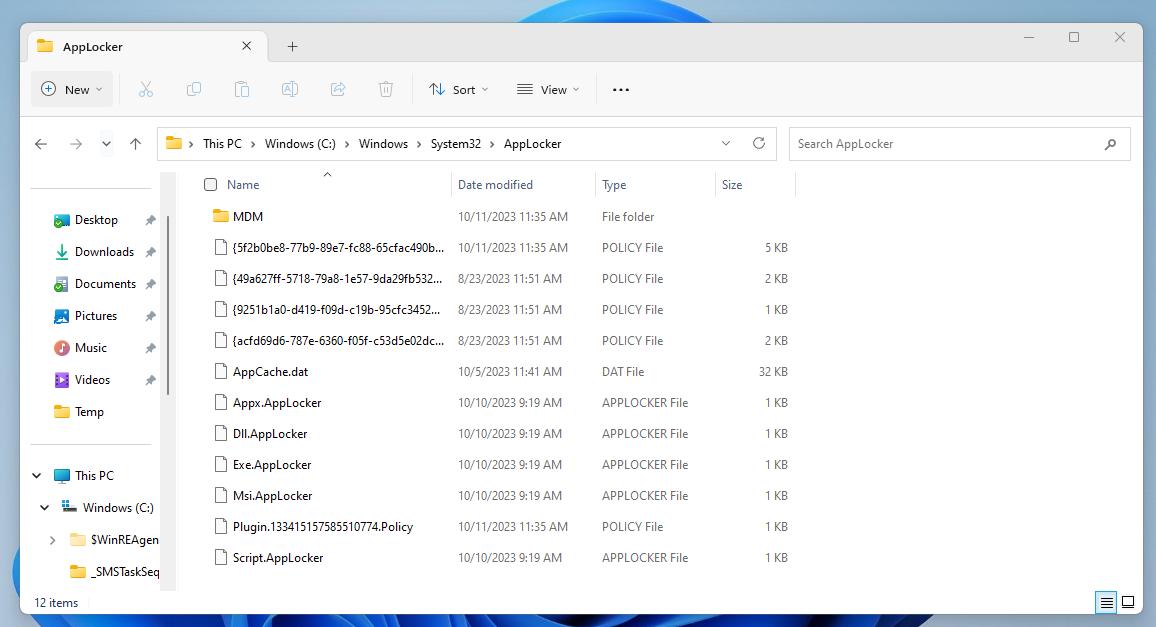
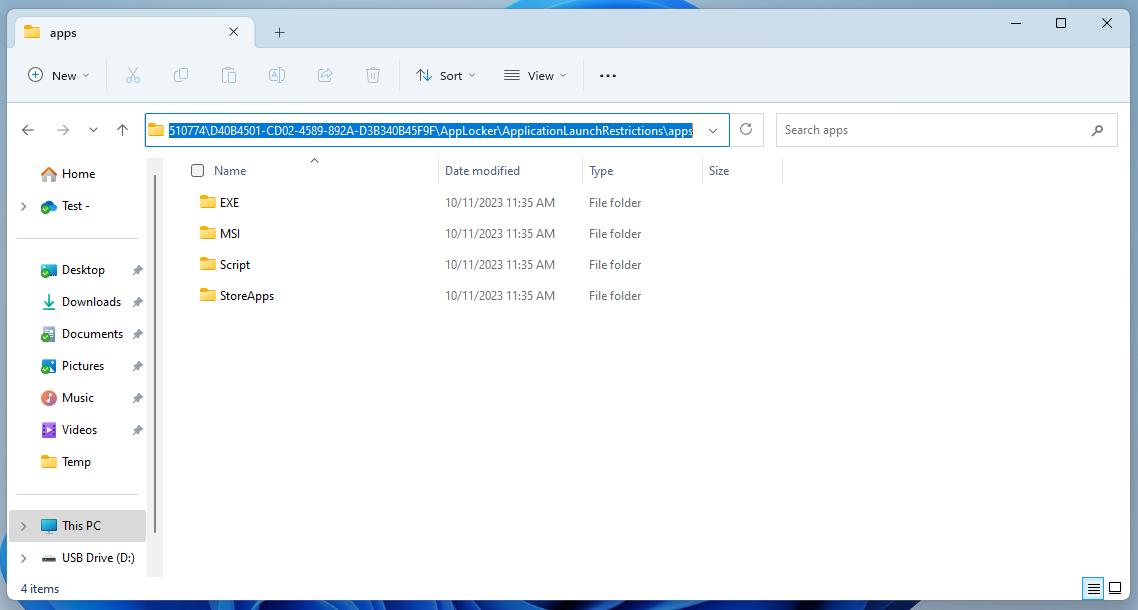
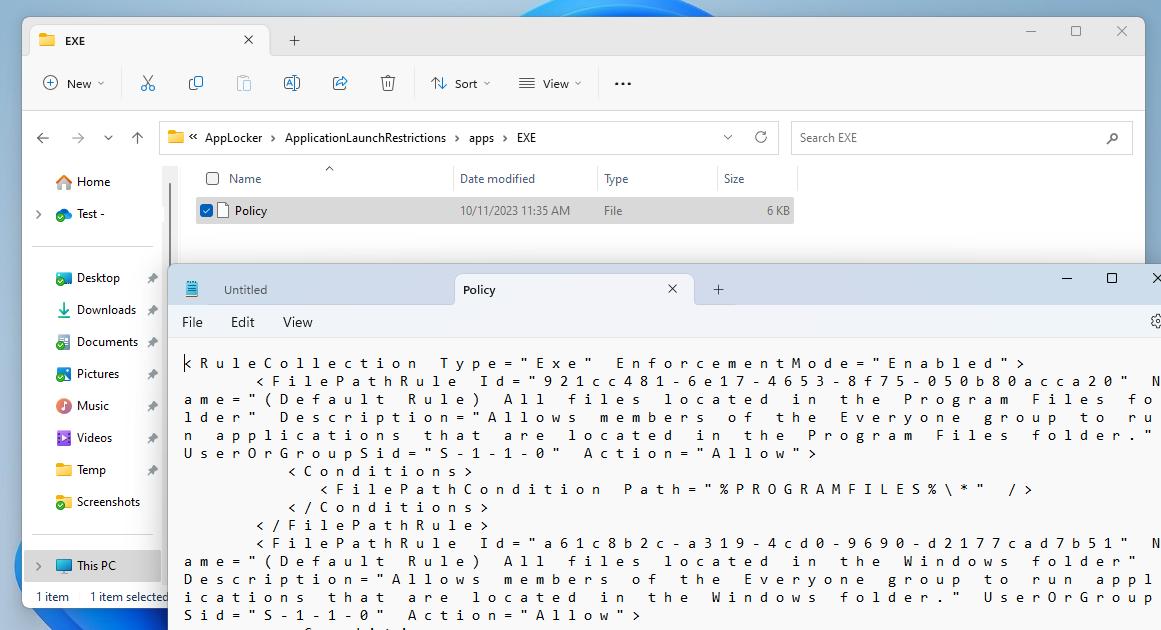
Without prior experience with AppLocker policies, one may assume launching gpedit.msc would show the AppLocker policies pushed out via Intune. That is not the case. To find the policy files take a look in C:\Windows\System32\AppLocker. Notice files with AppLocker file extension and the folder named “MDM”. Digging through the folder will reveal the policies pushed from Intune. The “Policy” files contains the configuration from the CSP.