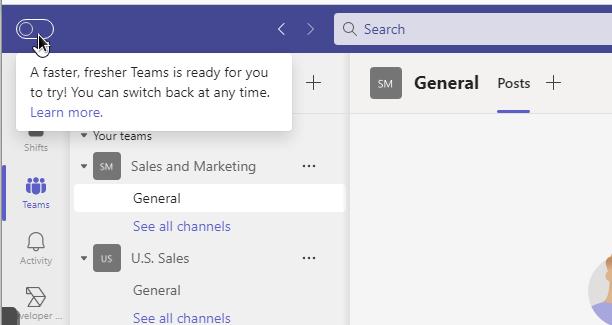
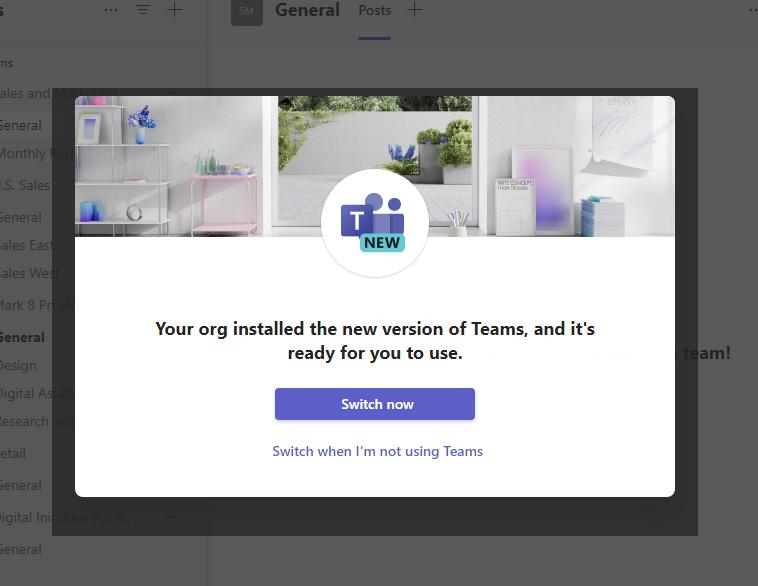
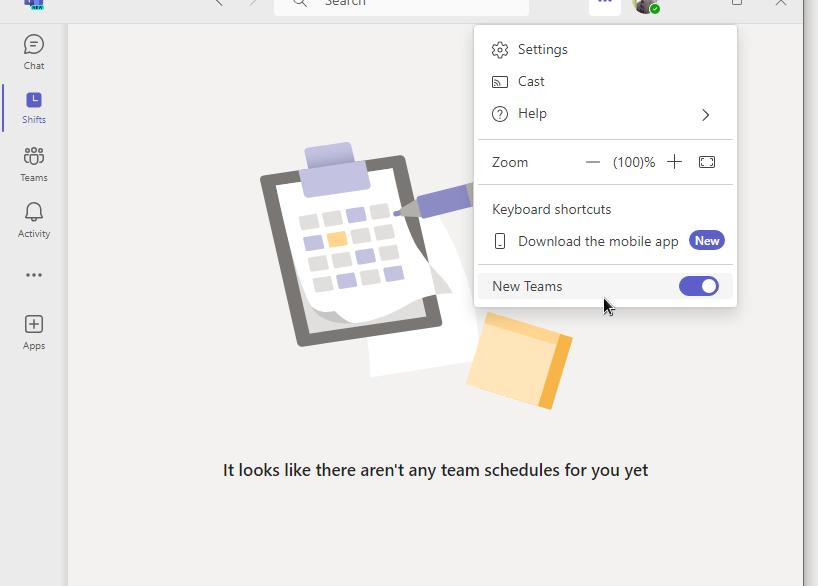
The new, highly optimized Microsoft Teams is available. Want to test it out? Just toggle the “Try the new Teams” switch at the top of Teams. Is it missing?
Try this.
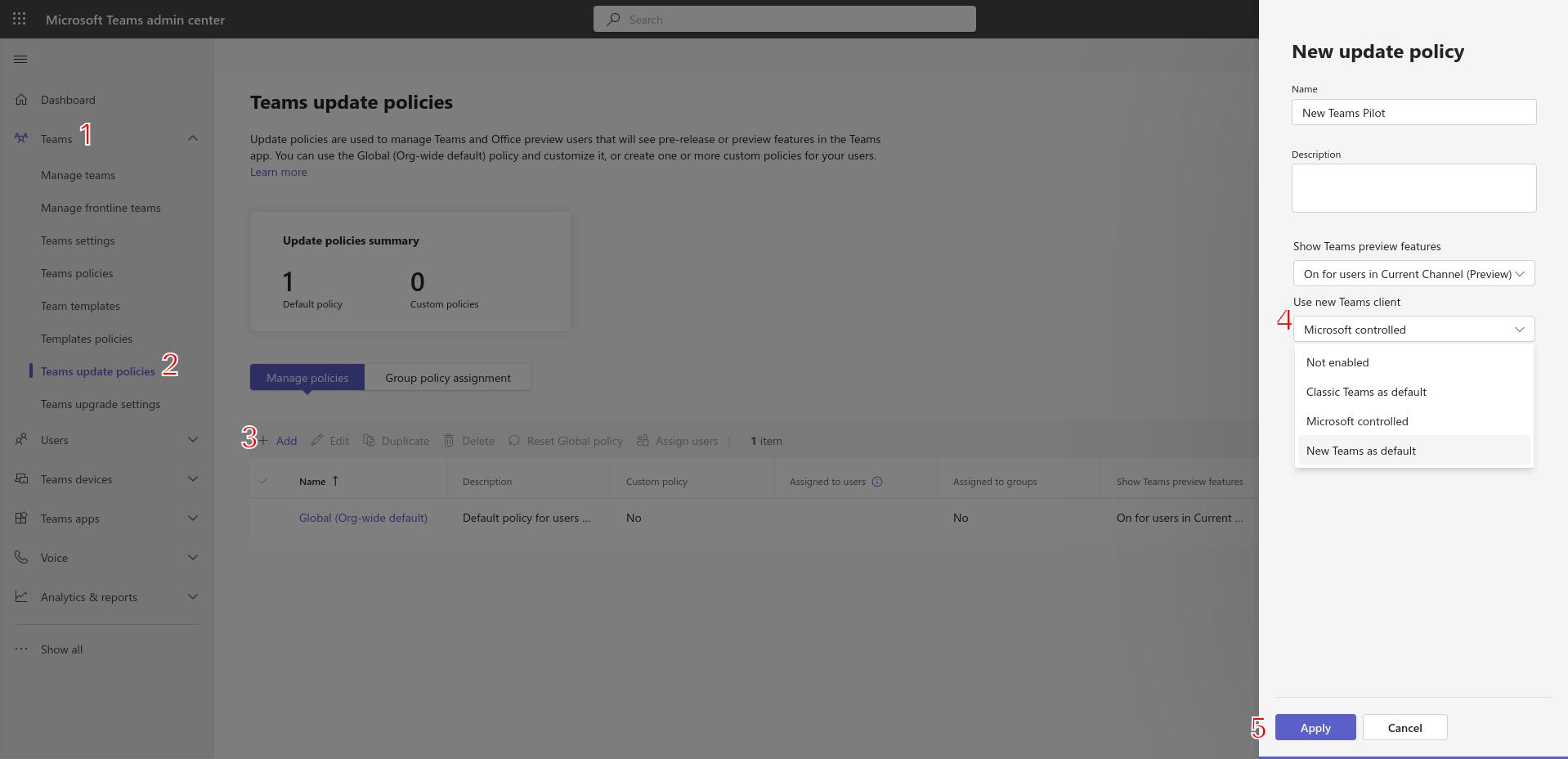
- Head over to Teams Admin ( https://admin.teams.microsoft.com )
- Under Teams, click Teams Update Policies.
- Create a new Teams update policy by clicking Add
- Give the policy a name, description, and select the appropriate preview feature availability. For “Use New Teams client” option, select either “Classic Teams as default” OR New Teams as default. Both of these options allow the user to switch between Classic Teams and New Teams. The Microsoft controlled option allows Microsoft to decide whether the “User New Teams client” toggle switch is displayed (based on readiness).

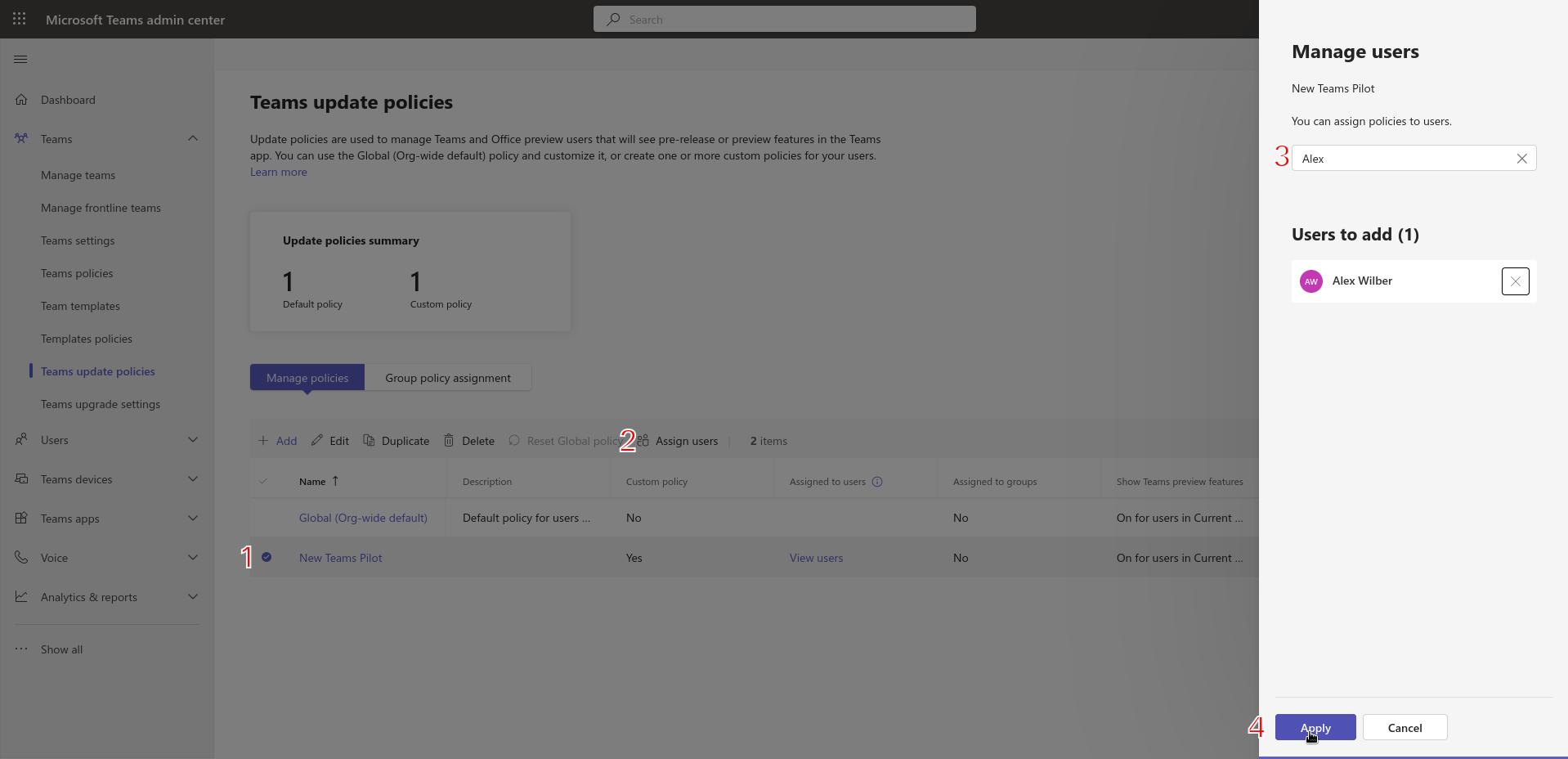
- After clicking Apply, add users to the policy by selecting the new policy and clicking Assign users. I previously assigned the policy to a group, but did not see the toggle. Adding my users directly to the policy did the trick.After some time, the toggle switch to try thee new Teams will be visible.